When you sell a Virginia home, anything wired into the house usually stays unless the contract says otherwise, and anything you can unplug and carry usually goes with you. The safe move is to write the answer down: list each smart device by name in the contract as staying or leaving, then reset every account before closing.
Cameras need extra care before the first showing. Video and audio rules differ, buyers expect privacy while they tour, and a camera you forgot to turn off can cost you a deal. Here is what to decide, in order.
What usually stays and what usually goes
The general rule is that fixtures, meaning items attached to the home, convey with the sale, and personal property does not. Smart devices sit in a gray zone, because many are attached but are also your account-linked gadgets. Do not rely on the general rule. Name each item in the sales contract, in the list of items that stay or do not stay. A Virginia real estate attorney or your agent can confirm how your contract handles fixtures.
- Usually stays if hardwired: a wired doorbell, wired thermostat, built-in alarm keypads and sensors, hardwired smart switches, an installed garage door opener and its mounted hardware.
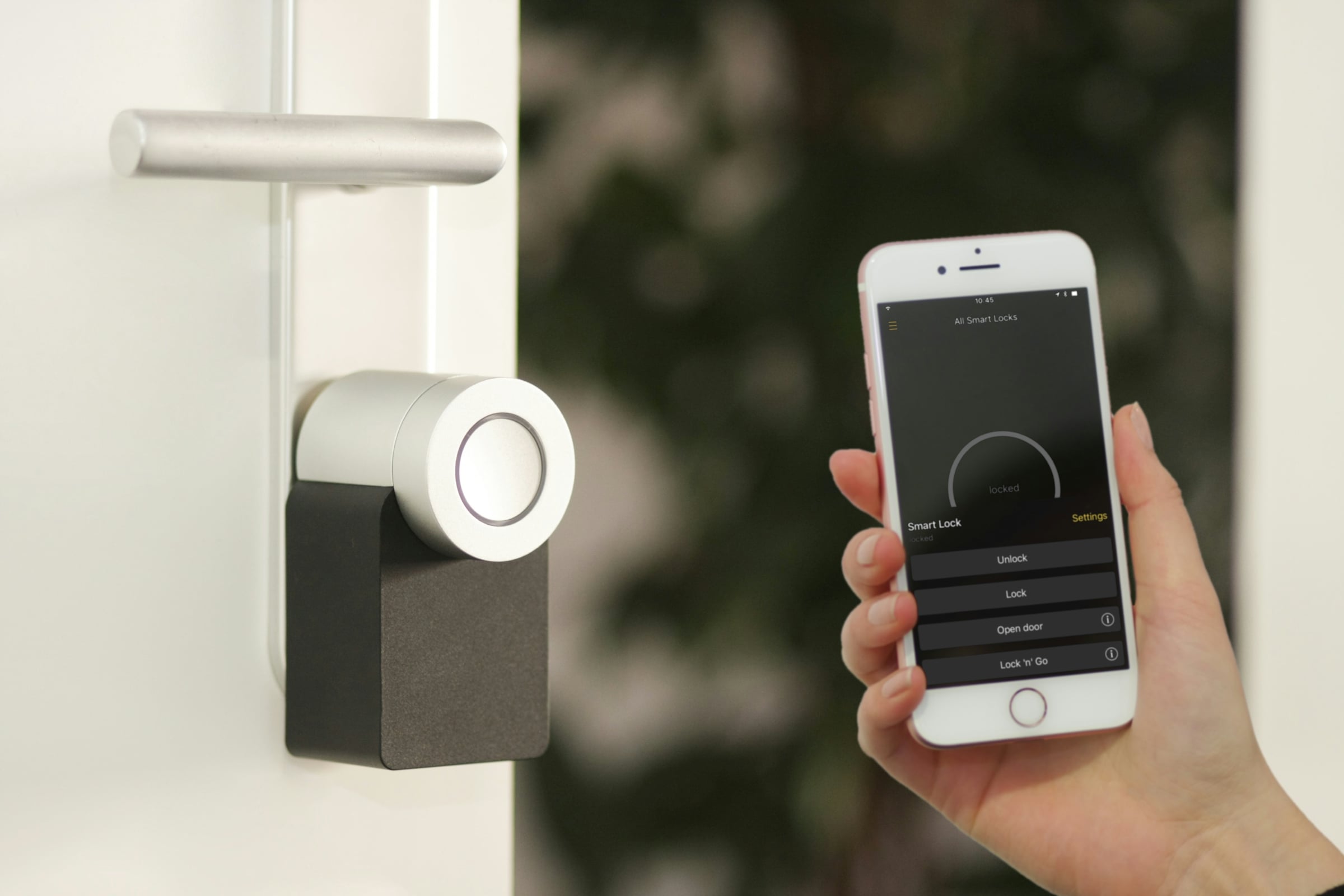
- Often negotiated: a video doorbell, smart thermostat, smart lock, and indoor or outdoor cameras. Decide early, because buyers often ask.
- Usually goes with you: plug-in cameras, speakers, voice assistants, hubs, smart plugs, robot vacuums and anything on a shelf or a stand.
- Check your agreement first: a security system supplied or leased by a monitoring company may belong to the company, not to you, so read your contract before promising it to a buyer.
If you take a device with you, patch and paint the mounting holes and put back a basic thermostat or doorbell if you removed one, or tell the buyer in writing what to expect.
Recording buyers during showings
This is the part sellers get wrong. A LendingTree survey of more than 2,000 consumers, published in July 2021 and reported by NAR, found that three in 10 home sellers said they had used a hidden camera during an open house or showing. Many buyers now assume cameras are present, and they may speak less or leave sooner.
The law on audio is stricter than on video. Virginia’s Code section 19.2-62 makes it a Class 6 felony to intentionally intercept an oral communication, with an exception when a party to the conversation, or one party giving prior consent, is involved. A seller who is not in the room is generally not a party to the buyers’ conversation, and the buyers have not agreed to be recorded. That is why turning off audio recording during showings is the safer course. This is general information, not legal advice, and a Virginia real estate attorney can tell you how it applies to your device.
On video, NAR’s summary of an attorney’s talk, in an article on showing dilemmas, says video usually does not require consent but turns on whether a person had a reasonable expectation of privacy, such as in a bathroom. The same article says seller agents should disclose recording equipment in the MLS listing.
A showing-day checklist for devices
- Turn off every indoor camera and microphone before each showing, including baby monitors, pet cameras, smart speakers and video doorbells that record sound.
- For outdoor cameras, point them at your own approach, not at where buyers stand inside the home, and say in the listing that they exist. Post a notice at the entry if cameras remain on.
- Do not leave a phone or tablet recording in a room, and do not stream the showing to your phone.
- Tell your agent about every device in the house. They can note it in the listing remarks and showing instructions.
- Tell visiting agents not to touch your devices or router. NAR’s article calls turning off a seller’s router potentially unethical or illegal, so it is better to turn recording off yourself.
Set your price before you set up the showings
Once you know where your home stands against recent sales, you can decide which devices to keep, which to include and how to describe them. Get your instant home value, built from recent sales near you.
What the contract should say
Add specific language to the items list, and have it reviewed by a Virginia real estate attorney or your agent. Cover these points:
- Each device by type and location, and whether it conveys: “front door video doorbell conveys,” “bedroom plug-in camera does not.”
- Whether the buyer gets the hub, app account transfer, manuals and any codes or remotes, and who must remove personal accounts.
- Whether leased or monitored equipment is included, and who pays any monitoring cancellation or transfer fee.
- A statement that you will factory reset devices that stay and remove your accounts before settlement, with a date.
- If a device is not working, say so. The Virginia Residential Property Disclosure Act, section 55.1-701, covers sales of one to four dwelling units, so ask your agent how the seller disclosure applies to systems that do not work.
Reset and remove before settlement
- Back up what you want to keep, such as video and photos stored in the device or its cloud account, then delete the recordings from the cloud so a new owner cannot see them.
- Remove each device from your account, then factory reset it. Removing it from your account is what frees the buyer to add it to theirs; a reset alone may not.
- Delete user codes and guest access on smart locks, garage keypads and alarm panels, including codes you gave to cleaners, family, dog walkers and contractors.
- Change the Wi-Fi password or leave the router set up per the contract, and wipe saved networks from any device that stays.
- Cancel or transfer service plans for monitoring or cloud storage on the closing date, not before, so the home is covered until settlement.
- Hand over what you can: manuals, spare batteries, keypad codes, remotes, a list of device brands and the app each one uses.
Do the resets after the final walk-through if the buyer will test devices there. Build in time. Our guide on the home inspection process shows when buyers check systems in the home, and a buyer may ask for a device to be working at the inspection or walk-through.
Showing logistics across the Richmond area
These steps are the same whether you sell in Henrico County, Chesterfield County or Hanover County, in a neighborhood such as Midlothian or Glen Allen, or in the City of Richmond. If you are selling without an agent, the same duties fall on you; see our guide to selling without an agent in Virginia.
If you are curious how your home compares with recent sales before photos and showings begin, our recently sold properties page shows examples, and our sell with us page explains how we prepare a listing.
Start with your home’s value
Know where your home stands against nearby sales, then work through this list before the first showing. Get your instant home value, built from recent sales near you.
Frequently asked questions
Should I leave my smart thermostat for the buyer?
It is your choice, and buyers often ask. If you leave it, factory reset it and remove it from your account, and name it in the contract’s list of items that stay. If you take it, reinstall a basic thermostat or tell the buyer in writing that none will be there.
Do I need to tell buyers if I have cameras?
NAR’s article on showing dilemmas says seller agents should disclose recording equipment in the MLS listing. Following that advice also helps you: buyers who know about cameras are less likely to feel misled. Ask your agent how to word it.
Can I record the front porch or driveway?
Video of your own exterior approach is common, and buyers expect it in many neighborhoods. Keep the field of view on your own property, and do not aim cameras at a neighbor’s windows. Check your HOA or county rules if you are unsure.
What if I rent my alarm equipment from a monitoring company?
Read your agreement. Some companies own the panels and sensors and expect them to stay for the contract term. Tell the company about the sale, ask in writing what happens at closing, and do not promise the equipment to a buyer until you know.
Will a buyer’s inspector test my smart devices?
Inspectors usually look at the major systems and may test a thermostat, a garage door opener and smoke alarms. Anything that does not work should be corrected or disclosed. Ask your agent which items the buyer’s inspector is likely to check.
Who owns the footage from my cameras?
The footage is tied to your account, so you control it until you delete it or close the account. Terms vary by manufacturer. Delete cloud recordings before you hand over the device, and remember that deleting an app does not necessarily delete the footage stored with the manufacturer.
Can the buyer keep my video doorbell if I forget to remove my account?
They can use the hardware, but your account stays linked and they cannot fully set it up until you remove it. That causes delays and can expose your footage and notifications. Remove the device from your account before closing.